Your agent setup, on every computer.
Save your Claude Code and Codex skills as a Cloud Maleta. Attach any computer and it follows every change.
- Free
- Sign in with GitHub
- Nothing installs until you run the CLI
Works with the agents you already use
- Claude Code
- Codex
- Gemini CLI
- Cursor
- GitHub Copilot
- OpenCode
- Roo Code
- Goose
How it works
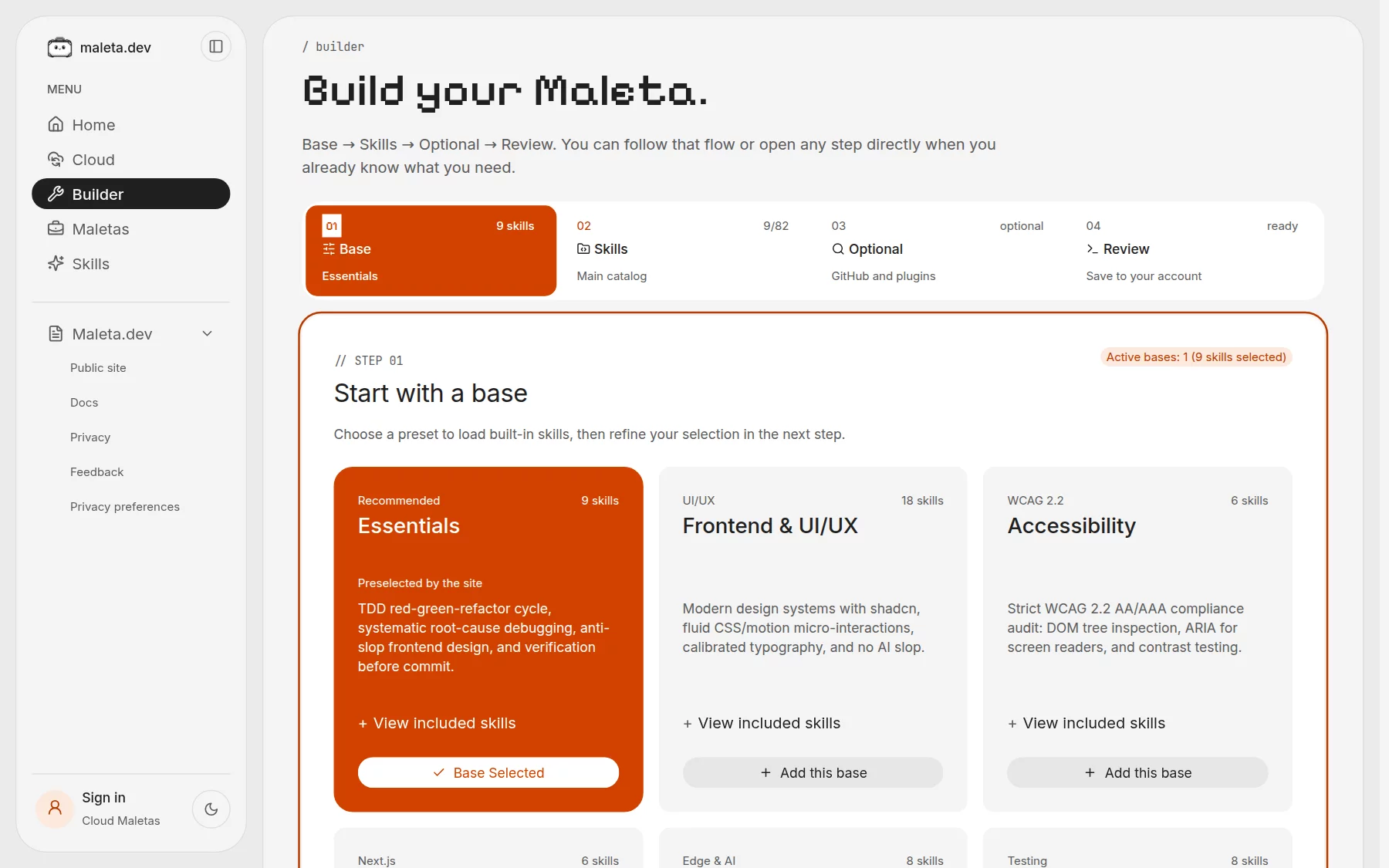
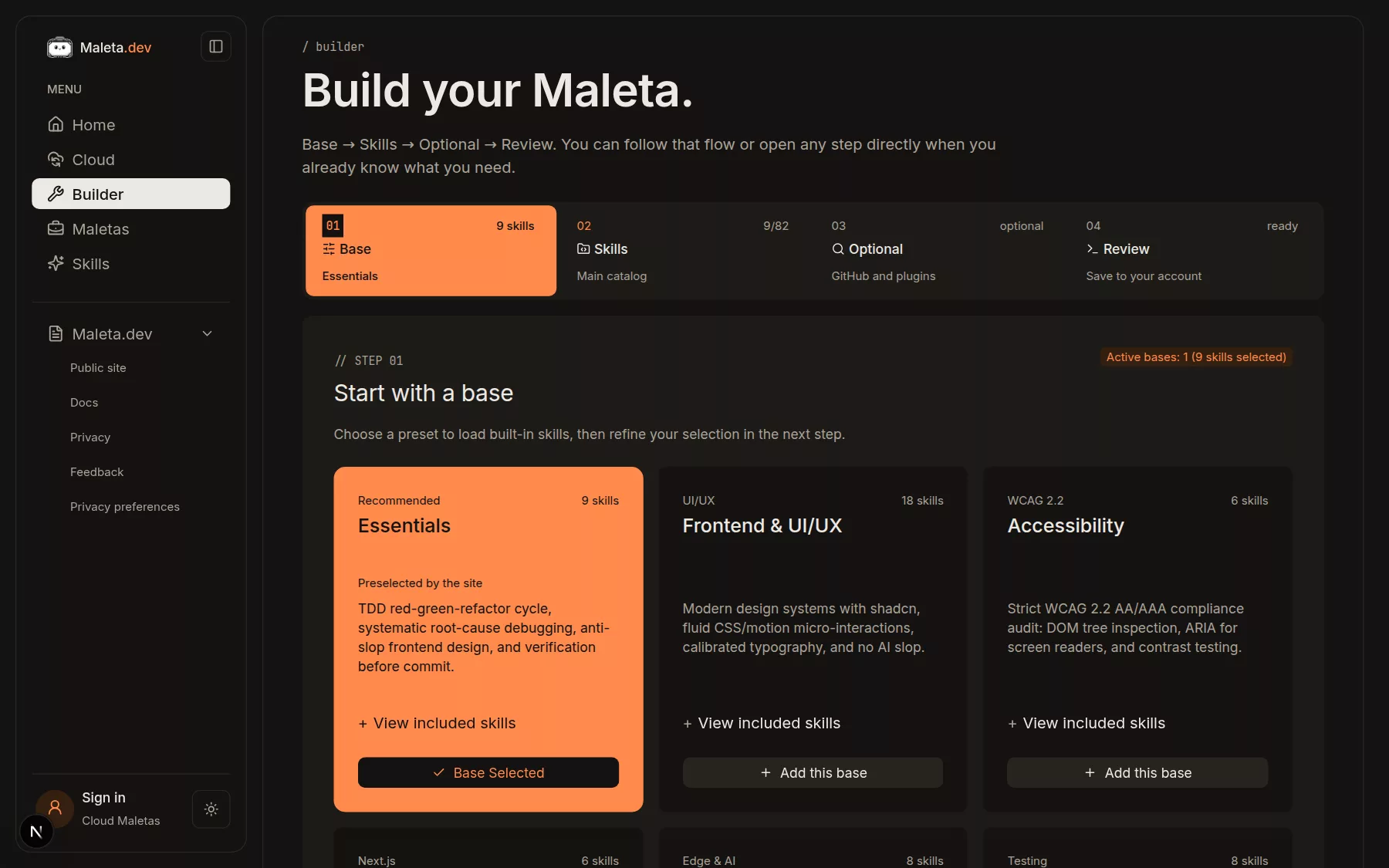
From the browser to every computer.
- Essentials
- Frontend & UI/UX
- Accessibility
- Next.js & Vercel
- Cloudflare & Edge
- Testing & Quality
- Documents
Save
Sign in with GitHub. Every save is a revision your computers follow.
account: GitHubsaved: only when you askhistory: one revision per save
Attach
Log in once, attach, and maleta watch applies new revisions. It never deletes files. Needs Node.js 20+.
CLI docs →# authorizes this computer with a short code $ maleta login # follows one Maleta from your account $ maleta attach <maleta> # applies each new revision $ maleta watch
Is Maleta free?
Yes. The catalog, the builder, Cloud Maletas and the maleta CLI are free to use.
What is a Cloud Maleta?
A Maleta saved to your account. Every save creates a revision, and any computer you attach with the CLI can follow it. Sign in with GitHub to save one.
Do I need an account?
Only for Cloud Maletas. The builder runs in your browser, keeps your selection there and exports maleta.json without sign-in.
What is a skill?
A folder with a SKILL.md file: instructions your coding agent loads when a task calls for them, such as a test-driven development cycle or a debugging routine.
Which agents does it install to?
Claude Code reads skills from ~/.claude/skills. Codex and other agents that read the shared Agent Skills folder use ~/.agents/skills. Plugins apply to Claude Code only.
What does the CLI change on my computer?
It writes the skill folders listed in maleta.json to those directories and installs the Claude Code plugins you picked. Skill files are copied, never executed. Add --dry-run to see the plan before anything is written.
What do I need to run it?
Node.js 20 or later. Install the CLI with npm install -g maleta.dev.
Does it sync automatically?
Only what you attach. A Maleta reaches your account when you save it. On another computer, maleta login and maleta attach follow it, and maleta watch applies new revisions without removing files.
Pack once. Unpack anywhere.
Free. Sign in with GitHub and attach your next computer with one command.